

Start without technical experience
Plain explanations, with room to pause and repeat.
Build a website, create images and make everyday tasks easier with step-by-step lessons and an AI Tutor to help when you get stuck.
Lifetime access · 30-day refund · No subscription


YOUR STARTING POINT
Plain explanations, with room to pause and repeat.
Practice with everyday tasks and small projects.
No quiz, subscription or daily study schedule.
PRACTICAL AI SKILLS
Understand what AI can do and learn how to use it for everyday life, work and your own ideas. Start with clear explanations, then put what you learn into practice.
Turn your idea into a simple website, then learn to improve it.
Build useful AI skills for everyday work—and confidence for what’s next.
Explore image styles and learn to refine the details.
Summarize files, find key details and ask useful questions.
Explore topics, compare sources and check AI’s answers.
Create a calculator, planner or workflow, then test and refine it.
A FORMAT YOU CAN FOLLOW
You don’t have to remember everything after one viewing. Go back to the written instructions whenever you need them.
See what the lesson is teaching before you try it.
Pause, reread and work at a pace that suits you.
Try the exercise. Ask the lesson’s AI Tutor if a step is confusing.
YOUR COURSE LIBRARY
Build websites, create images, work with documents and make everyday tasks easier. Start with the basics or explore what interests you—all eight courses are included.
Start here. Learn the basics and make useful things with AI, one small step at a time.
Turn a simple idea into an image, then make it your own.
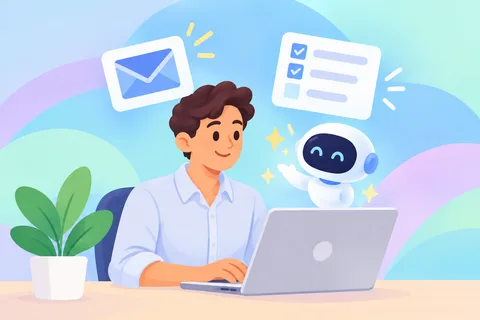
Write emails, create clear reports and presentations, and organize everyday work.
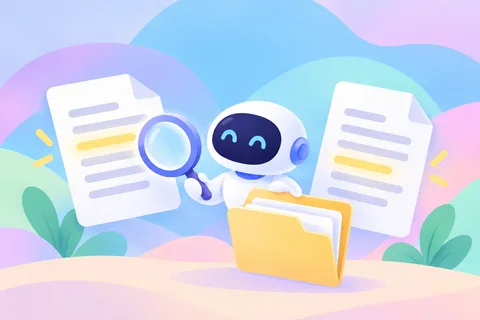
Understand documents, compare information and turn checked sources into useful results.
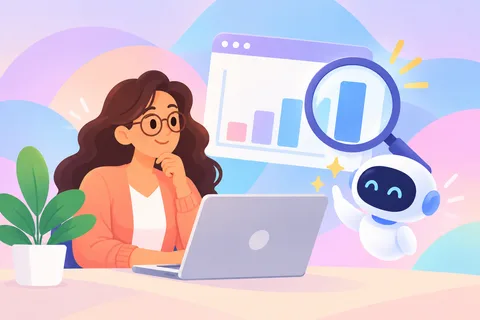
Research, compare evidence and manage bigger projects with confidence.
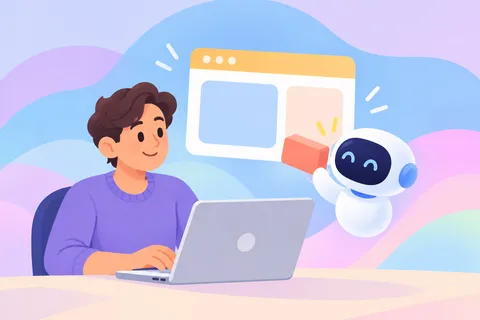
Turn a small idea into a working tool, then test, save and share it.
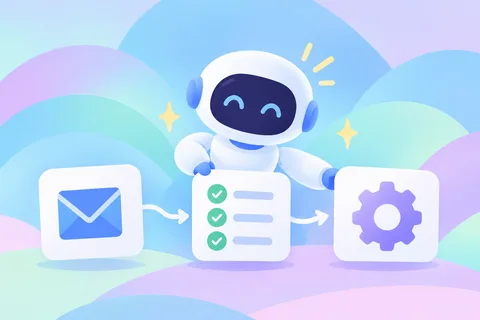
Connect useful steps, add AI and keep a human in control.
A shorter first path through the original beginner course, using the same lessons and progress.
HELP WITH THE LESSON YOU’RE IN
Your Tutor uses the lesson and step you’re studying to explain the instructions, give an example or help you decide what to try next.
You do the learning and the practice. The Tutor helps you move through it.
THE COMPLETE COURSE PACKAGE
One-time payment.
No automatic renewal.
Lifetime access · 30-day refund · No subscription
Pay securely through Stripe. Get your access link by email.
Already bought My AI Lessons? Log in to your lessons. Please don’t purchase again to fix an access problem.
A FEW QUESTIONS BEFORE YOU START
Yes. Start with Practical AI for Beginners. It explains the basics in everyday language, with written instructions and exercises you can try yourself. You can pause, repeat a step and ask the lesson’s Tutor for help.
One $49 USD payment gives you lifetime access to the current course library, written instructions, practical exercises, your saved lesson progress and lesson-specific AI Tutor help within its usage limits. The library has eight paths; AI Basics is a shorter route through existing beginner lessons.
It means access for as long as My AI Lessons operates and maintains the course service. It does not mean the service is guaranteed to exist forever or that you receive unlimited AI usage. Course updates and future courses are included when released; no release schedule is promised. See the Terms for the full scope.
No. This new offer is a one-time course purchase, with no automatic renewal. Any subscription you already have remains governed by its existing agreement; buying this package does not cancel or change it. Existing subscribers can use the billing-management link below.
The course price does not include third-party AI subscriptions. Some text exercises can be tried with free access. Image, file, website and building features depend on the tool, your account, device and current limits; some require paid access. Each relevant lesson explains what to check.
You can read and watch on a phone, tablet or computer. Some exercises can be tried in a mobile AI app. Building websites, tools and connected automations is best followed on a computer and may require one. Your progress stays with the existing lesson system in your browser.
It uses the lesson and step you are studying to explain confusing instructions and suggest a small next action. The current limit is 40 messages per account per UTC calendar day, shared across lessons. Shared budget, safety and provider-availability limits also apply. It is not an unlimited chatbot or guaranteed human support.
After the server verifies your payment, we automatically queue a secure access email to the address collected at checkout. You do not have to keep the confirmation page open. Verify that email to link your purchase to your account, then log in to open the library. The confirmation page shows the destination and recovery options.
Log in first. Existing customers keep their purchased access and lesson progress; you do not need to buy the same access again. If access looks wrong, contact support rather than making another payment. Existing subscription billing remains available separately.
Try the lessons and request a refund within 30 days of purchase if they are not for you. Tell us which lessons you tried and what did not help. Missing feedback does not disqualify a request. Earlier purchases keep their original rights; see the refund policy for details.
You don’t need to become a technical expert. Start with a clear lesson, practice a task and build from there.
One-time payment · No automatic renewal · Qualified lifetime course access
EXPLORE A LITTLE FIRST